

Method 1 — Generate from the Dashboard
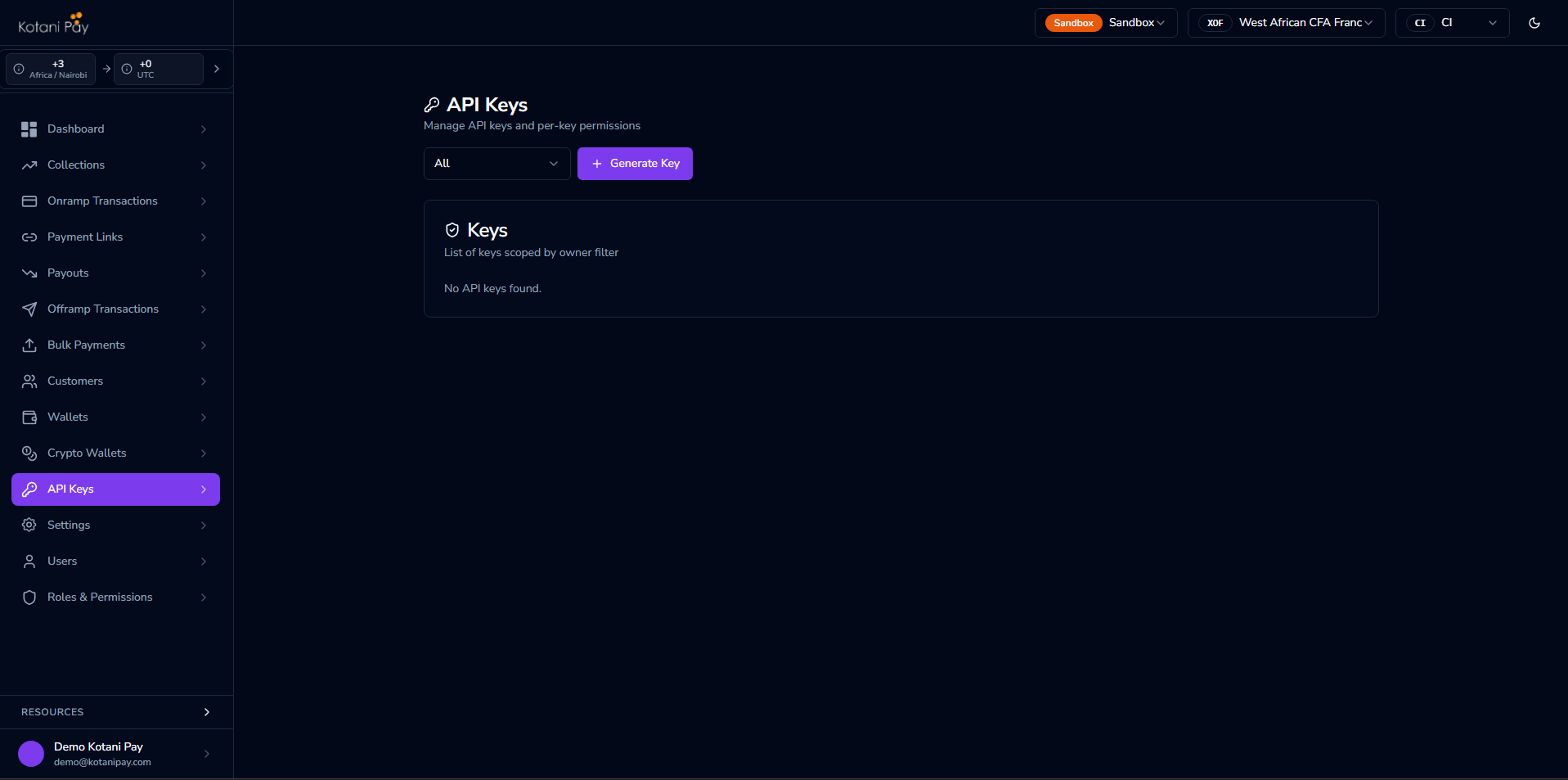
The easiest way to get an API key is directly from the backoffice dashboard.- Log in to backoffice.kotanipay.com
- Click API Keys in the left sidebar
- Click Generate New Key and choose the key type (integrator-level or user-bound)
- Copy the key immediately — it will not be shown again after you leave the page
- To revoke a key, find it in the list and click Revoke
Method 2 — Generate via the API
If you need to generate keys programmatically, use the magic link authentication flow to get a JWT, then call the key generation endpoint.Step 1 — Get a JWT via Magic Link
1
Request a magic link
Call Response: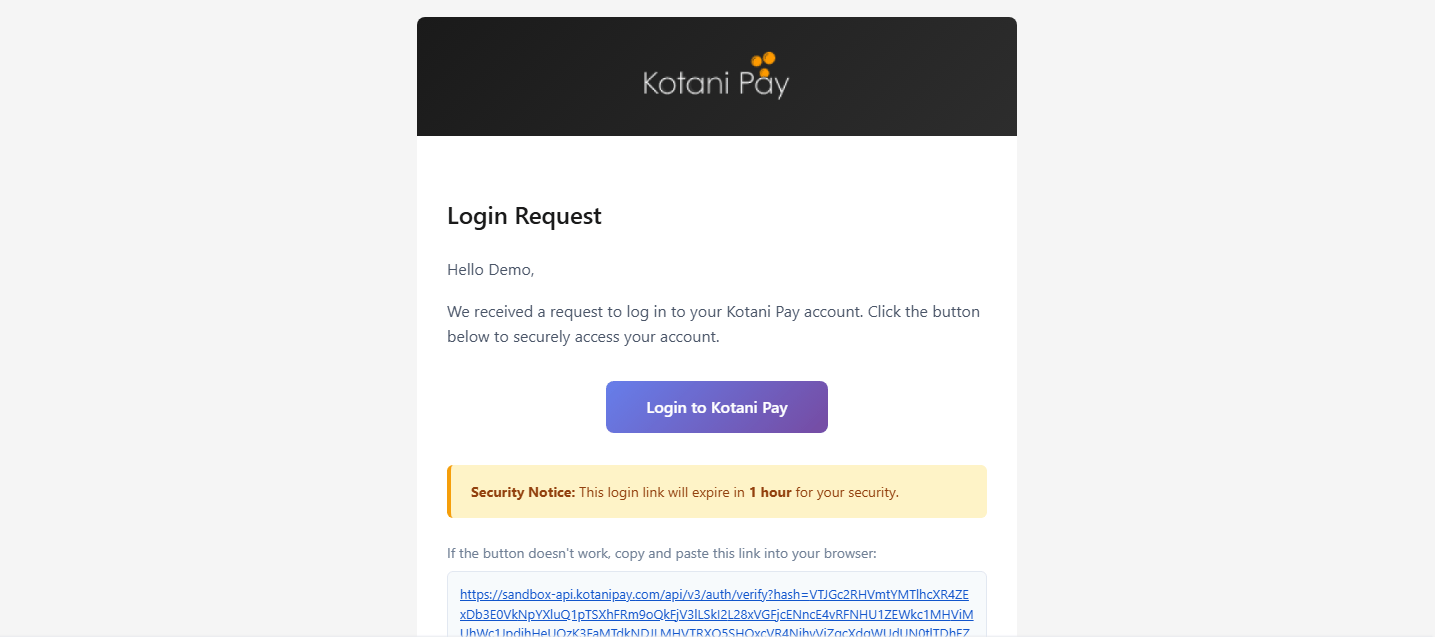
POST /auth/login with your registered integrator email:2
Click the link in your email
Check your inbox for an email from Kotani Pay. Click the Login to Kotani Pay button (or copy the URL into your browser).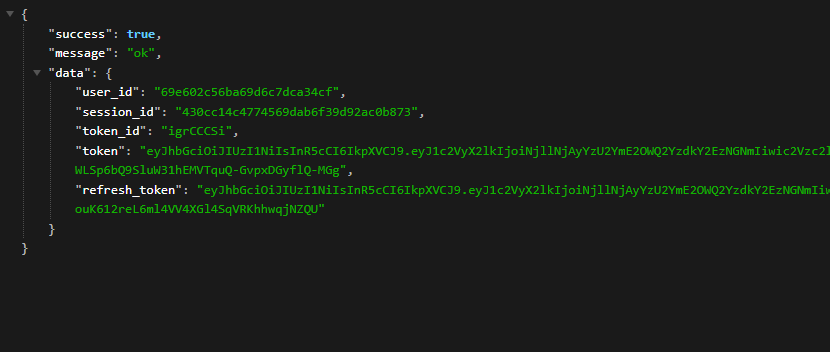
3
Receive your JWT
Clicking the link hits Save the
GET /api/v3/auth/verify?hash=... and returns your tokens:token — you’ll use it in the next step. The JWT expires after 1 hour; use GET /api/v3/auth/refresh-token with your refresh_token to get a new one without re-doing the magic link flow.Human verification: If the link is opened by an email security scanner before you click it, you may be redirected to a verification page. Complete the prompt — the system re-validates the request and issues your tokens normally.
Step 2 — Generate the Key
Two endpoints are available depending on whether you need a signing secret: Key only:secret will not be shown again.
Using the API Key
Include the key in theAuthorization header of every API request:
API Key Types
There are two ownership modes for an API key.Integrator Level
Generated without a user assignment — gets wildcard (*) permissions, meaning full access to all operations. Use this for your main server-to-server integration.
User Bound
Generated tied to a specific dashboard user account. Starts with zero permissions — you assign only what that key needs via API Keys in the dashboard. Useful when you need scoped access (e.g., a key that can only initiate deposits but not withdrawals).Next Steps
Webhooks
Receive real-time callbacks when transactions update — two delivery modes
Balances & Settlement
Understand how your fiat balances work and how to settle